Service Desk
MyCWU Login Help
Welcome to Central Washington University
If you are creating your MyCWU account and logging in for the first time. Please use this Knowledge Base article for how-to instructions. Creating your new MyCWU Account.
You should find your CWU credentials in the personal email account you provided when you applied. Search for the words: "Information Regarding your MyCWU Account."
If you are unable to find this email or the hard copy letter sent out to you, please call the Service Desk at (509) 963-2001 or email servicedesk@cwu.edu.
Account Access and Issues:
If you are having trouble logging in after you have set up your MyCWU account, go to Wildcat Password Self Service and select "Change your Password via Microsoft Site". This site will prompt you to put in your username@cwu.edu and complete a captcha. Then you will be prompted to send a recovery code to the personal email you have on file on your CWU account. After putting in the emailed code the site will allow you to update your MyCWU password and then log into the My.CWU.EDU Sign in page.
If you do not know your CWU ID number, call the Registrar's Office, Monday thru Friday AM to PM at 509-963-3001.
If you do not remember what personal email you provided to CWU use the link above to walk through the process and it will provide you with that information. If you no longer have access to any of the password reset options provided, please contact the CWU Service Desk.
Phone or walk-in support: Monday - Thursday 7 AM. to 6 P.M. and Friday 8 AM to 5 P.M. Samuelson Hall 1st floor lobby (509) 963-2001.
For 24/7 Canvas Support call: (833) 209-6110.
CWU News
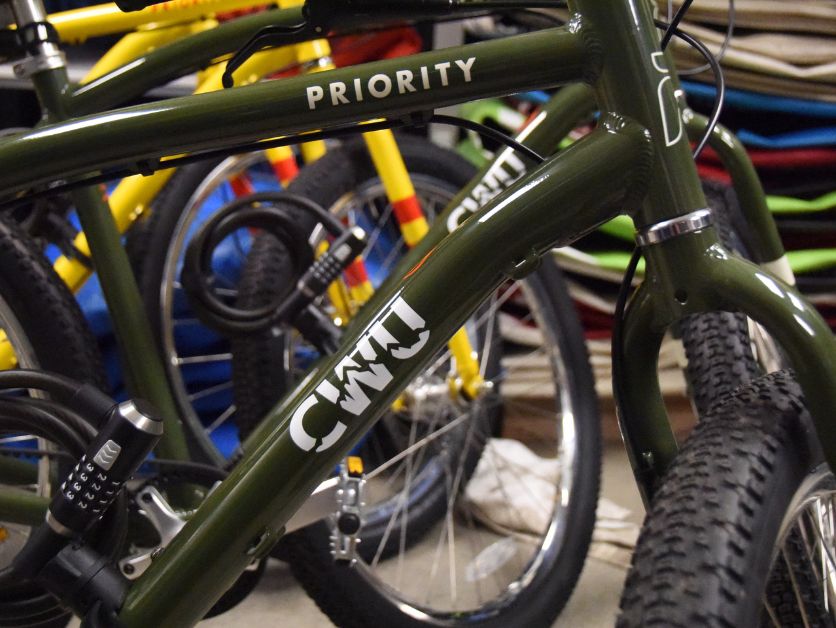
CWU to launch Bike Share pilot program in spring
January 28, 2026 by Rune Torgersen
CWU Trustees to Hold Special Virtual Meeting on Friday
January 28, 2026 by Dania Cochran