Student Accounts
Steps to Manage Direct Deposit for Financial Aid Refunds
- Go to your Student Dashboard through MyCWU, and then access the Financial tab, where you will click “Manage Bank Accounts.”
- The screen, My Bank Accounts, will appear. Here you can either edit or delete any existing account. If you would like to add a new account, click “Add Account.”
- In the Add Bank Account Details screen, enter all the information requested and then click “Next.”
- On the Result screen, click “Modify Direct Deposit” to continue.
- You will be on the Direct Deposit Summary screen, where you will click “Modify Direct Deposit.”
- On the Bank Account Summary screen, it will show a list of accounts currently added. To continue, click Proceed to Modify Direct Deposit.
- Once on the Modify Direct Deposit screen, you will see a drop down menu where you can choose which account to use for your direct deposit. Once you have chosen the bank account to use, click “Submit.”
- On the Result screen, you will see the confirmation of the new direct deposit account. Go ahead and close all the windows that have been opened. You are done!
CWU News
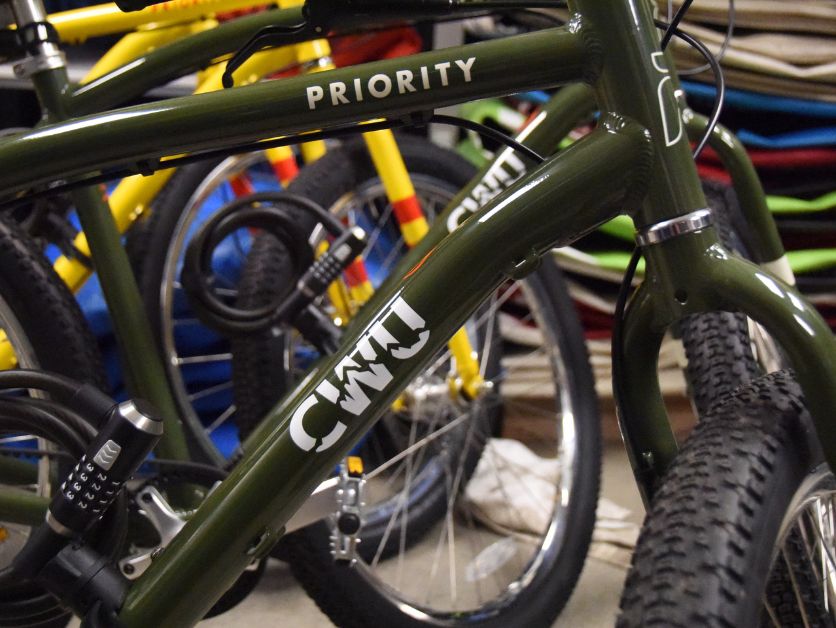
CWU to launch Bike Share pilot program in spring
January 28, 2026 by Rune Torgersen

CWU Trustees to Hold Special Virtual Meeting on Friday
January 28, 2026 by Dania Cochran
Questions? Contact Us.
Student Accounts
Barge 105
Cashiers
Barge 105
(509) 963-2224
Cashiers@cwu.edu
Barge 105
(509) 963-2224
Cashiers@cwu.edu