
Health Services
CWU Immunization instructions
Visit Medproctor for step-by-step instructions on uploading your vaccination records.
Step 1: Register
Visit Medproctor and click "register" to start a new account. Type in your school email address to get started and follow the directions to register a new account, or simply go to Med+Proctor Login
Step 2: Download
If you are unable to find your immunization records to upload, or if you require an exemption, you may download, print, and have your healthcare provider fill out and sign those forms.
Step 3: Upload
If you have your immunization records, simply take a picture with your phone and upload the .jpeg to your Med+Proctor account. You may also upload a scanned image from your computer. Make sure any forms, if needed, are complete and legible. You will receive an email confirmation once the forms have been reviewed.
While all attempts are made to ensure information under our control is correct and consistent with its intended purpose, the external website is subject to change beyond CWU's control. No representation or guarantee can be made as to the correctness or suitability of that information or any linked information presented, referenced, or implied. If you encounter an external link reference on this website to any specific commercial product or service does not constitute its endorsement or recommendation. CWU is not responsible for the content or activities of the external site. You will be subject to the destination site's privacy policy when you follow the link. Contact the external site for answers to questions regarding its content.
CWU News
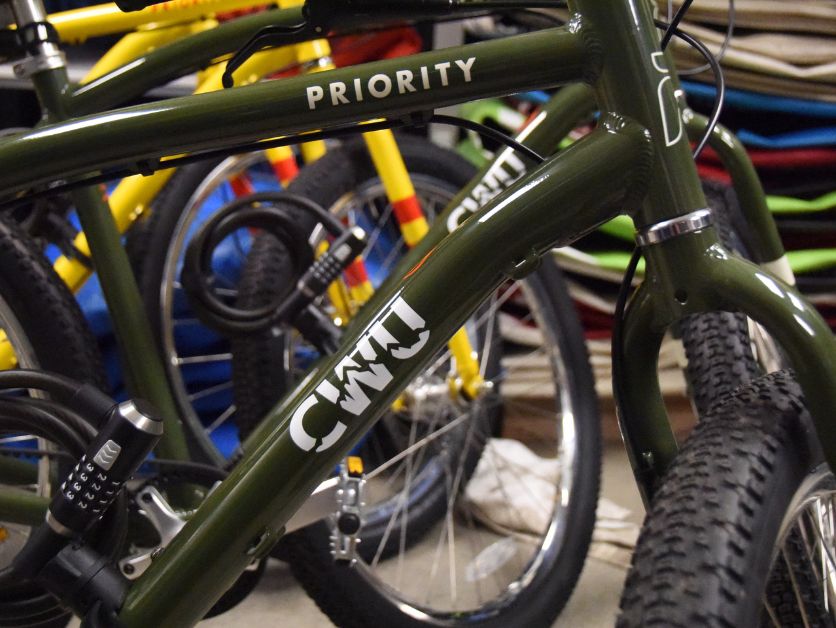
CWU to launch Bike Share pilot program in spring
January 28, 2026 by Rune Torgersen

CWU Trustees to Hold Special Virtual Meeting on Friday
January 28, 2026 by Dania Cochran